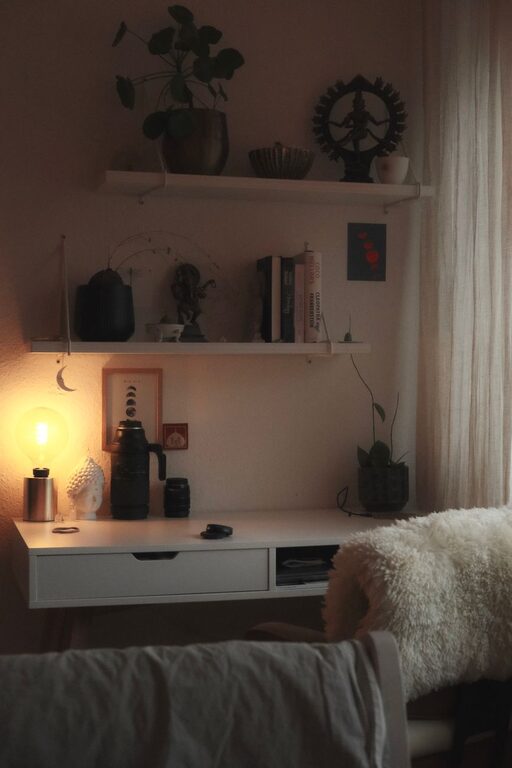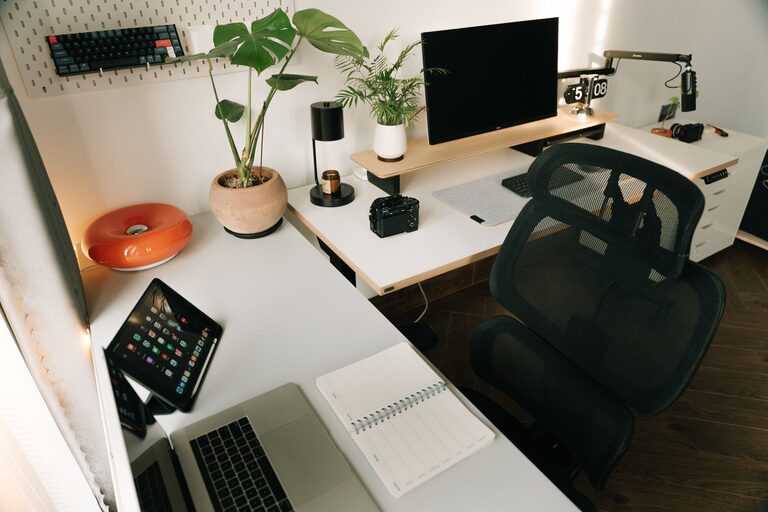
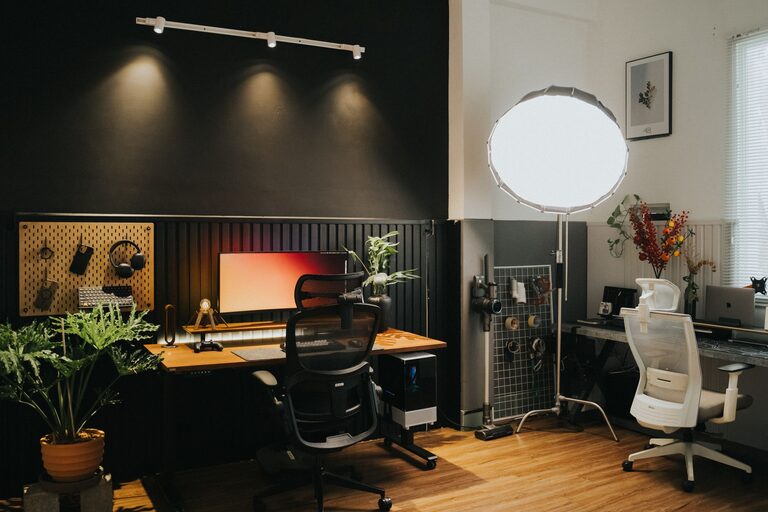
Creating a home workspace that feels cozy and supports productivity is essential for anyone working remotely or managing tasks from home. A well-designed environment can help you stay focused, reduce stress, and maintain a healthy work-life balance. In this post, we’ll break down actionable tips on how to set up a home office that’s both inviting and efficient.
1. Choose the Right Location
Selecting the best spot for your workspace is the foundation of a productive setup.
– Quiet and low-traffic area: Find a space away from household noise and distractions.
– Natural light: Position your desk near a window if possible. Natural light boosts mood and energy.
– Space considerations: Ensure there is enough room for your desk, chair, and storage without feeling cramped.
2. Invest in Comfortable Furniture
Comfort and ergonomics can make a huge difference in how well you work throughout the day.
– Ergonomic chair: Choose a chair that supports your back and encourages good posture.
– Desk height: Your desk should allow your arms to rest comfortably at a 90-degree angle while typing.
– Adjustable furniture: If possible, consider a sit-stand desk to alternate between sitting and standing.
3. Optimize Lighting
Good lighting helps reduce eye strain and keeps you alert.
– Task lighting: Use a desk lamp with adjustable brightness and positioning.
– Avoid glare: Position your monitor to minimize reflections from windows or lights.
– Warm light: Consider warm LED bulbs to create a cozy atmosphere without harsh brightness.
4. Personalize Your Space
Adding personal touches makes your workspace more inviting and encourages creativity.
– Plants: Small indoor plants can improve air quality and provide a calming effect.
– Decor: Use artwork, photos, or a colorful rug to add character.
– Inspirational items: Place quotes, vision boards, or meaningful objects where you can see them.
5. Keep It Organized and Clutter-Free
A tidy workspace promotes clear thinking and reduces distractions.
– Storage solutions: Use shelves, filing cabinets, or containers to keep documents and supplies organized.
– Daily clean-up: Spend a few minutes at the end of each day tidying your desk.
– Cable management: Use clips or sleeves to keep cords neat and out of the way.
6. Minimize Distractions
A focused environment helps you maintain productivity.
– Limit noise: Use noise-canceling headphones or white noise apps if needed.
– Digital boundaries: Turn off unnecessary notifications or set specific times to check email and social media.
– Clear boundaries: Communicate with family or roommates about your work hours and space.
7. Establish Good Habits and Routines
Your workspace is just one part of productivity; habits matter too.
– Regular breaks: Use techniques like the Pomodoro method to work in focused intervals with short breaks.
– Morning routine: Start your workday with a consistent routine to signal it’s time to focus.
– End-of-day ritual: Create a habit to power down your workspace and transition away from work mode.
8. Technology and Tools
Equip your workspace with reliable technology and tools to enhance efficiency.
– Quality equipment: Invest in a good monitor, keyboard, and mouse.
– Fast internet: Ensure your internet connection is stable and fast enough for your work demands.
– Apps and software: Use productivity tools such as task managers, calendars, and note-taking apps.
Final Thoughts
Designing a cozy and productive home workspace is about balance. You want a space that feels comfortable enough to make work enjoyable, yet organized and efficient enough to keep you focused. Experiment with different setups and routines until you find what works best for you. Remember, a thoughtful workspace can make a significant difference in your day-to-day work experience.