Creating a home workspace that is both organized and productive can significantly improve your work-from-home experience. A well-designed space helps minimize distractions, keeps essential tools within reach, and promotes focus throughout your workday. Whether you’re setting up a new area or optimizing an existing spot, these tips will guide you in creating a workspace that supports your goals.
Choose the Right Location
Find a Quiet Spot
Select a space that is as quiet as possible to reduce distractions. This could be a spare room, a corner in your living room, or even a section of your bedroom. The key is to find an area where you can concentrate without interruptions.
Make Use of Natural Light
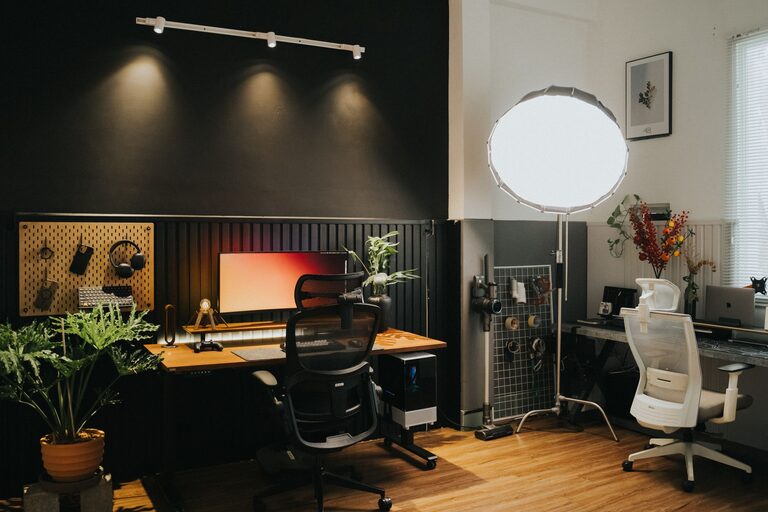
Try to set up near a window where natural light can brighten your workspace. Natural light boosts mood and energy, which can help improve your focus. If natural light is limited, invest in good-quality lighting that mimics daylight.
Invest in Functional Furniture
Comfortable Chair
A supportive, ergonomic chair is essential for long hours of work. It helps maintain good posture and prevents back and neck pain.
Appropriate Desk
Choose a desk that fits your space and work needs. It should be large enough to accommodate your computer, documents, and any other tools you use daily.
Consider Adjustable Options
Adjustable desks or sitting/standing desk converters offer flexibility to change positions during the day, which can reduce fatigue and improve productivity.
Organize Your Workspace Efficiently
Declutter Regularly
Keep only the items you use every day on your desk. Store seldom-used tools and documents in drawers or shelves to maintain a clean surface.
Use Storage Solutions
Use baskets, trays, and drawer organizers to keep supplies tidy. Labeling containers can make it easier to find things quickly.
Cable Management
Organize cables using clips or sleeves to avoid tangles and maintain a neat appearance. A clutter-free workspace helps minimize distractions.
Optimize Your Technology Setup
Reliable Internet and Equipment
Ensure your internet connection is stable and your computer and peripherals are in good condition. This reduces downtime and frustration.
Ergonomic Accessories
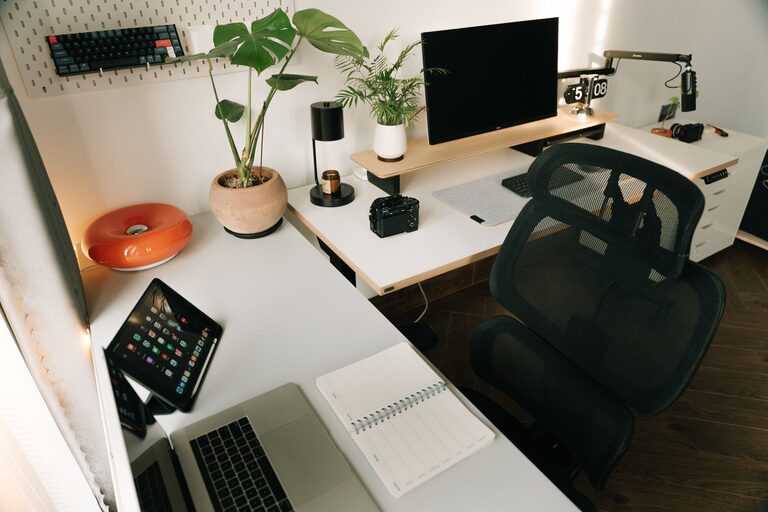
Use accessories like a keyboard tray, monitor stand, or external mouse to create a comfortable setup that prevents strain.
Use Productivity Tools
There are many apps and software designed to help manage tasks, schedule breaks, and organize work. Find tools that suit your workflow to stay on track.
Personalize Your Space
Add Inspiring Elements
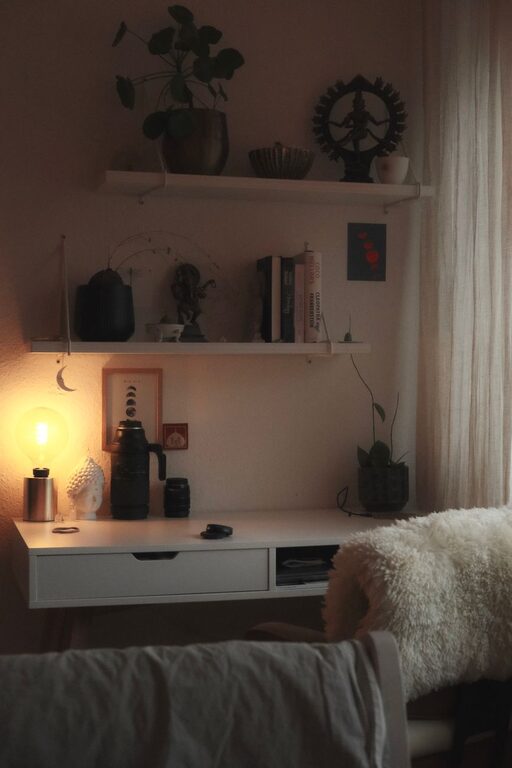
Include a few personal touches like photos, plants, or artwork to make your workspace inviting and motivating.
Maintain Minimalism
While personalization is important, keep it simple to avoid visual clutter that could distract you.
Establish Clear Boundaries
Define Work Hours
Set specific working hours to maintain a balance between work and personal life. This helps your brain associate the workspace with productive time.
Communicate Boundaries
If you share your living space, communicate your work schedule to family or roommates to minimize interruptions.
Keep Healthy Habits in Mind
Regular Breaks
Take short breaks every hour to stretch, walk, or rest your eyes. This prevents fatigue and keeps your mind fresh.
Hydration and Snacks
Keep a water bottle and healthy snacks nearby to stay energized without needing to leave your workspace frequently.
—
By implementing these tips, you can create a home workspace that promotes organization and productivity. A thoughtfully arranged environment not only supports your daily tasks but also contributes to your overall well-being while working from home.