Creating a productive home office space is essential for anyone working remotely or managing tasks from home. A well-designed workspace can help improve focus, reduce distractions, and promote a healthier work-life balance. Whether you have a dedicated room or just a small corner, there are simple ways to make your home office both functional and inviting. Here are some practical tips to help you create a productive workspace at home.
1. Choose the Right Location
Selecting the right spot for your home office is the first step. Look for a quiet area with minimal distractions. If possible, aim for a room with natural light—sunlight can boost your mood and energy levels.
Think about these factors:
– Noise levels: Avoid areas near loud appliances or high traffic zones.
– Privacy: Choose a spot where you can close the door or limit interruptions.
– Space: Ensure there’s enough room for your desk, chair, and any equipment you need.
2. Invest in Comfortable and Ergonomic Furniture
Comfort plays a key role in productivity. Sitting for long hours in an uncomfortable chair can lead to fatigue and back pain.
– Desk: Select a desk that fits your workspace and provides enough surface area for your computer and other tools.
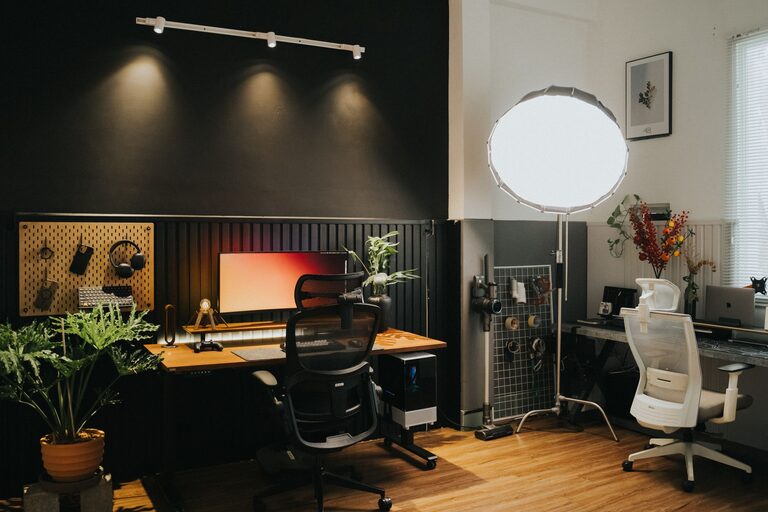
– Chair: Choose an ergonomic chair that supports your posture, with adjustable height and good lumbar support.
– Accessories: Consider a footrest or wrist supports if you spend a lot of time typing.
3. Organize Your Workspace Efficiently
An organized workspace helps keep your mind clear and tasks manageable. Clutter can distract you and reduce efficiency.
– Use storage solutions like shelves, drawers, or filing cabinets to keep essentials neatly stored.
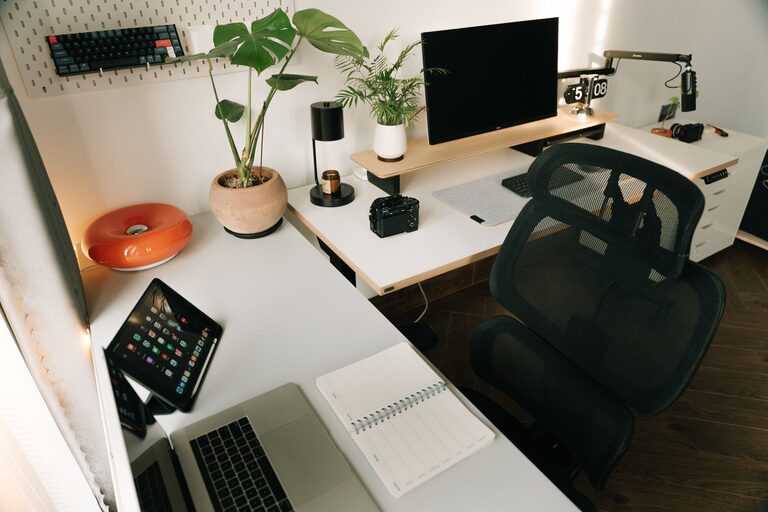
– Keep only the items you use daily on your desk.
– Use cable management tools to tidy up wires and chargers.
4. Optimize Lighting
Lighting has a major impact on how well you work. Poor lighting can cause eye strain and headaches.
– Maximize natural light by placing your desk near a window.
– Use a desk lamp with adjustable brightness for focused work.
– Avoid glare on your computer screen by positioning your monitor perpendicular to windows.
5. Personalize Your Space
Adding personal touches makes your workspace more inviting and can boost motivation.
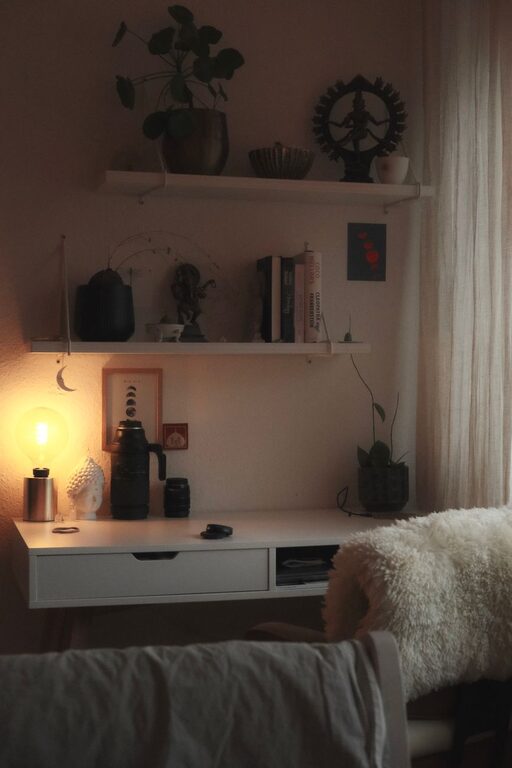
– Decorate with plants, artwork, or photos that uplift your mood.
– Use colors that inspire creativity and calmness, like blues, greens, or neutrals.
– Keep comfort items like a soft blanket or cushion nearby.
6. Minimize Distractions
Staying focused at home can be challenging. Try these strategies to reduce distractions:
– Set clear work hours and communicate them to family members or roommates.
– Use noise-canceling headphones or play background music to drown out noise.
– Turn off non-work-related notifications on your devices.
7. Incorporate Technology Wisely
Use technology to enhance your productivity without overwhelming your space.
– Choose compact, multifunctional devices to save room.
– Ensure your internet connection is reliable and fast.
– Use productivity apps to organize tasks and manage your time effectively.
8. Take Regular Breaks and Move Around
Sitting for long periods is unhealthy and can decrease productivity.
– Follow the 20-20-20 rule: every 20 minutes, look at something 20 feet away for 20 seconds.
– Stand up, stretch, or take a short walk regularly to boost circulation and refresh your mind.
9. Maintain a Work-Life Balance
Separate your work zone from your personal space as much as possible.
– When the workday ends, leave your office area to signal the transition.
– Avoid working in areas associated with relaxation, such as your bed or couch.
—
Designing your home office to fit your needs and preferences can greatly improve your work experience. By focusing on comfort, organization, lighting, and minimizing distractions, you’ll create an environment that supports concentration and productivity every day. Start small and adjust your setup over time until you find what works best for you. Happy working!